Fax Machine Number: How to Find Yours or Get a Number
Updated May 28th, 2026 - 3 mins
 One-Time Fax
Rated 5 stars on

Google Reviews
A fax machine number works just like a phone number, it’s the unique identifier that allows your machine to send and receive faxes over a telephone line. If you’re still using a traditional fax machine, this number is essential for communication. You might be wondering, can you call a fax number like a regular phone number? Technically yes, but you'll only hear a fax tone on the other end.
If you’re unsure what your fax number is, here are a few quick ways to check:
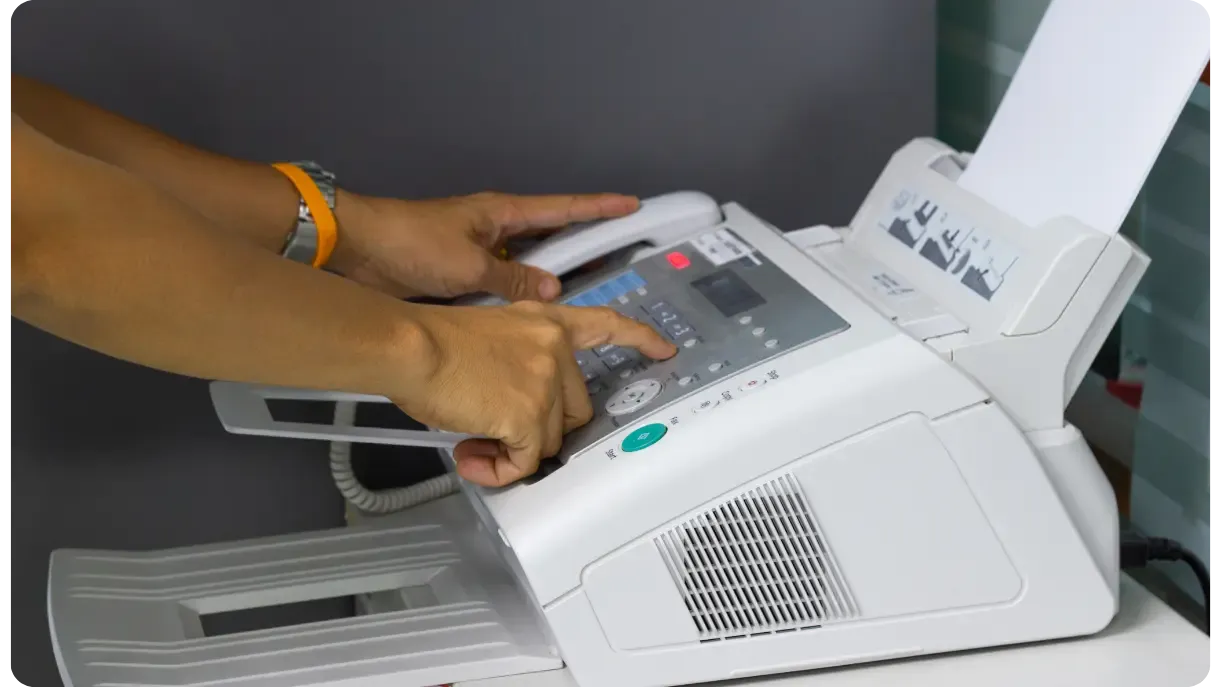
Many businesses use multifunction printers (MFPs) that include fax capabilities, such as Brother® printer with fax. These devices often have their own fax number tied to the phone line they’re connected to. If you’re using an MFP:
Confirm with your telecom provider if the printer shares a line with your phone or has a dedicated one.
But here’s the good news: you don’t need to rely on that fax function anymore, you can fax without a printer using an online fax service.
Switching to an online fax service doesn’t mean losing the ability to scan documents If you use Windows Fax & Scan upgrade Notifyre's and access:
No Phone Lines Required: Enjoy the convenience of faxing without a fax modem and other fax hardware headaches.
This way, you keep the scanning functionality of your printer while eliminating the need for a fax line.
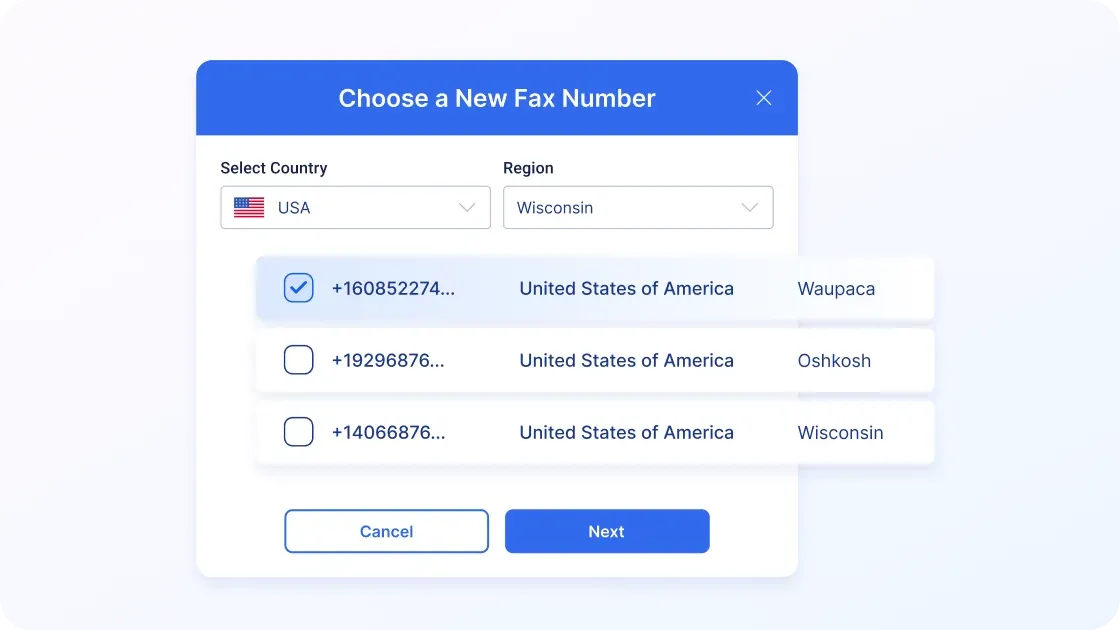
Fax machines are outdated, expensive, and inconvenient. They tie you to a physical location and require constant maintenance but setting up an online fax number with Notifyre is quick and easy. Follow these steps:
Step 1: Navigate to Plans
Step 2: Choose Your Number
Step 3: Select Country and Region
Step 4: Search and Select Your Number
Step 5: Enter Service Location
Step 6: Review and Pay
Once payment is confirmed, your new fax number will be active within 1-3 business days (usually quicker) and ready to use with Notifyre’s Online Fax platform.
Already have a fax number? Keep your existing number and port your fax number to Notifyre today.
Online faxing eliminates the need for hardware and phone lines. With Notifyre's fax numbers, you can:
It’s 2026, internet faxing is the new normal. With Notifyre, you can keep everything you love about faxing, without the hardware hassles. Send and receive faxes securely online, anytime, anywhere.


Create a new email, attach your fax document and enter the recipient’s fax number.
 Explore Email To Fax
 Notifyre’s HIPAA compliant fax service is built for healthcare with access controls, audit trails and encryption.
 Explore HIPAA Compliant Fax


Our SMS and fax gateway is compliant with privacy laws, ensuring your business data stays secure. Notifyre’s secure messaging tools keeps your online fax secure and SMS data protected at all times.
 4.7/5
4.7/5 





